AI guidance for people who need visual assistance.

VisionForge AI helps users understand their surroundings by turning images and voice questions into clear spoken guidance. It focuses on obstacles, paths, safety risks, and practical next steps.

Voice First Image Understanding Accessibility Cloud AI
Email: hello@visionforge.ai
Simple
Ask → listen
Practical
Safety-focused
Useful
Guidance, not captions

What you can do

Built for quick help when someone needs to understand what is around them.
Upload

Upload an Image

Send a photo of the surrounding area so the assistant can inspect the scene.

Analyze

Ask by Voice

Ask questions like “Can I walk forward?” or “What is in front of me?”

Guidance

Hear Guidance

Get a spoken response focused on obstacles, direction, and safe movement.

Logs

Save Results

Store previous analyses in cloud logs for review, testing, and demonstration.
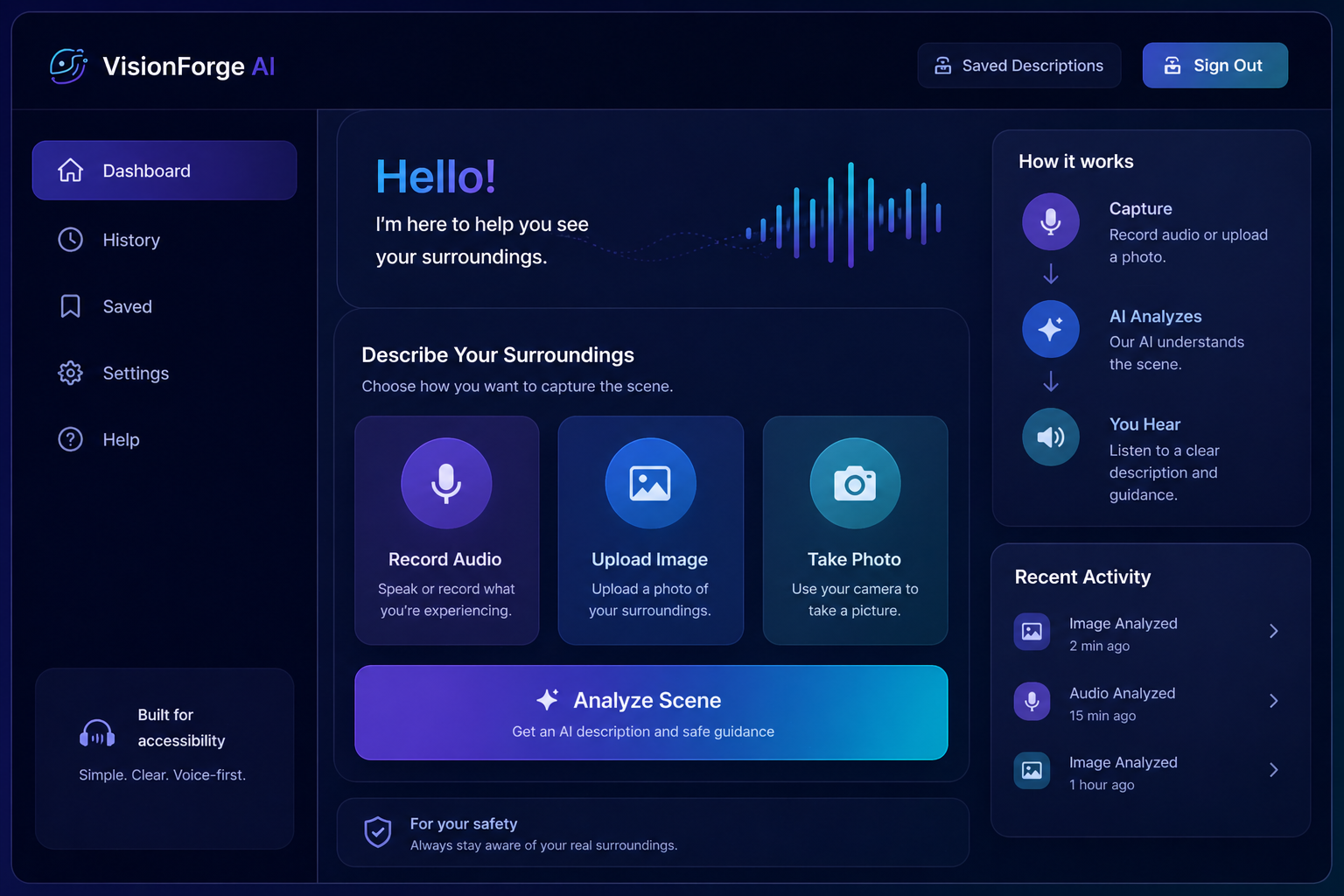
VisionForge AI dashboard preview

How it works

A short flow designed around mobile use and voice interaction.

1) Capture

Upload an image from the phone or browser to show the current surroundings.

2) Ask

Use voice or text to ask what is nearby, what is risky, or where to move.

3) Analyze

Gemini reads the image and focuses on safety, obstacles, paths, and direction.

4) Listen

The assistant speaks back a short, useful explanation with practical next steps.

Try the working assistant
Upload an image, ask a question, and review saved logs after the response.